Category

Brand & Visuals

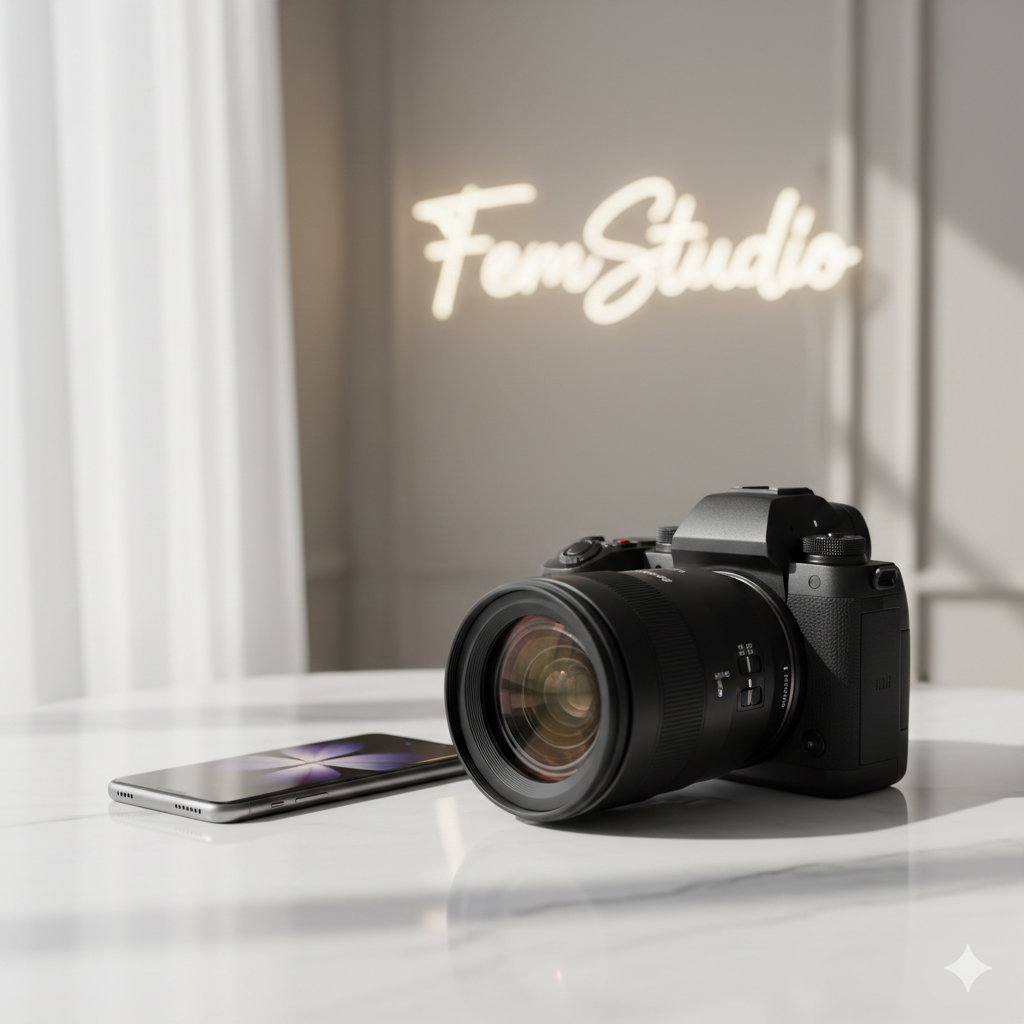
A professional mirrorless camera with a high-end lens placed next to a modern smartphone on a white marble desk, representing the comparison between professional photography and mobile convenience.

Digital Camera vs iPhone 15: Why Your Brand Needs More Than a Phone

By Brand & Visuals, Business Growth, Digital Strategy, Trend and Insight

Digital Camera vs Smartphone: Why Quality Still Wins for Your Brand

In 2026, the camera in your pocket is undeniably powerful. For quick social media updates and behind-the-scenes content, modern smartphones are incredible tools. However, when it comes to building a high-end visual identity that converts, the digital camera vs smartphone debate has a clear winner.

While phone technology has advanced, there are fundamental reasons why professional digital cameras remain the gold standard for brand imagery.
A professional mirrorless camera with a high-end lens placed next to a modern smartphone on a white marble desk, representing the comparison between professional photography and mobile convenience.

1. The Physics of Light (Sensors Matter)

The most significant difference in the digital camera vs smartphone comparison is the sensor size. A smartphone sensor is roughly the size of a fingernail, while a professional full-frame camera sensor is significantly larger.

  • The Result: Larger sensors capture more light and detail, resulting in cleaner images with less “grain” (digital noise), especially in low-light environments like indoor studios or sunset shoots.

2. Optical vs. Computational Bokeh

We’ve all seen “Portrait Mode” on a phone. It uses software to guess where to blur the background. In the digital camera vs smartphone battle, the camera wins by using physical optics.

  • The Result: A real lens creates a creamy, natural blur (bokeh) that transitions smoothly. Software often makes mistakes around hair or glasses, making the photo look “edited” rather than professional.

3. Interchangeable Lenses and Versatility

A smartphone is limited by its fixed lenses. With a digital camera, you can swap lenses to achieve specific artistic looks—from ultra-wide architectural shots to razor-sharp macro details of a product. This versatility allows FemStudio to curate a unique visual language for your brand that a phone simply cannot replicate.

4. True Creative Control

Smartphones do a lot of “thinking” for you, often over-processing colors and highlights. A professional camera gives the photographer total control over the RAW data. This allows for sophisticated editing that matches your brand’s specific color palette and mood perfectly.

The Verdict: Use the Right Tool for the Job

Use your smartphone for daily engagement, but invest in professional camera work for your website, ad campaigns, and core brand assets. The depth, clarity, and “high-end” feel of a dedicated camera are what separate a hobbyist brand from an industry leader.

You can reach out to us for more information or details on how to elevate your brand’s visual strategy. At FemStudio, we help you bridge the gap between “good enough” and “world-class.”


A laptop screen displaying an AI-powered website builder with glowing digital connections in a clean, professional studio setting.

Build a Website with AI: A Practical Guide to Launching for Free

By Brand & Visuals, Business Growth, Digital Strategy, Trend and Insight, Web Design

In 2026, you don’t need a massive budget to start your digital journey. Learning how to build a website with AI has become remarkably accessible, with powerful tools offering free tiers that allow you to design, write, and launch in a single afternoon.

At FemStudio, we believe in using technology to lower the barrier to entry for entrepreneurs. Here is your practical, free roadmap to building your site from scratch.

Step 1: Brainstorming & Structure (The Brains)

Before you touch a design tool, you need a plan. To build a website with AI effectively, start with a conversational assistant to map out your pages and features.

  • The Tool: ChatGPT or Claude.ai (Free Tiers).

  • What to do: Ask: “I am starting a [Business Type]. Can you give me a 5-page sitemap and a list of high-converting sections for my homepage?”

Step 2: Visual Generation & Layout (The Builder)

This is where the magic happens. You can now build a website with AI that actually looks professional without dragging a single box.

  • The Tool: Framer AI or ZipWP (Free Tiers).

  • What to do: * In Framer, type a descriptive prompt like: “A minimalist, high-end studio website for a photographer using beige and charcoal tones.” * ZipWP is excellent if you want a WordPress-based site; it will generate a full site with images and copy in under 60 seconds.

Step 3: High-End Visuals & Icons (The Aesthetic)

A high-converting website needs custom visuals. If you don’t have professional photos yet, use AI to create placeholders that match your brand.

  • The Tool: Leonardo.ai (150 free credits daily) or Canva Magic Media.

  • What to do: Generate high-resolution, aesthetic background images or icons that fit your color palette.

A laptop screen displaying an AI-powered website builder with glowing digital connections in a clean, professional studio setting.

Leveraging the future: How to build a high-performing website with AI tools.

Step 4: Persuasive Copywriting (The Voice)

To build a website with AI that actually sells, your words must be sharp.

  • The Tool: Copy.ai or ChatGPT.

  • What to do: Feed the AI your “About Me” details and ask it to: “Write a hero headline and three benefit-driven bullet points for my landing page using a professional yet approachable tone.”

The “Free” Checklist: What to Expect

When you build a website with AI for free, keep these three things in mind:

  1. Subdomains: Most free builders will give you a URL like yourbrand.framer.ai.

  2. Branding: Free tiers usually include a small “Built with…” badge at the bottom.

  3. Scaling: Once your traffic grows, you’ll eventually want to upgrade to a custom domain for better SEO.

Final Thoughts: From AI-Built to Brand-Ready

While anyone can build a website with AI, making that site look like a premium “Studio” brand requires a refined touch. AI gets you 80% of the way there, but the last 20%—the soul of the brand—is where the real conversion happens.

Is your AI-generated site looking a bit “cookie-cutter”? [Contact FemStudio for a Custom Brand Polish] — We take your AI foundation and add the professional design, custom SEO, and high-end aesthetics that turn a free site into a luxury brand experience.

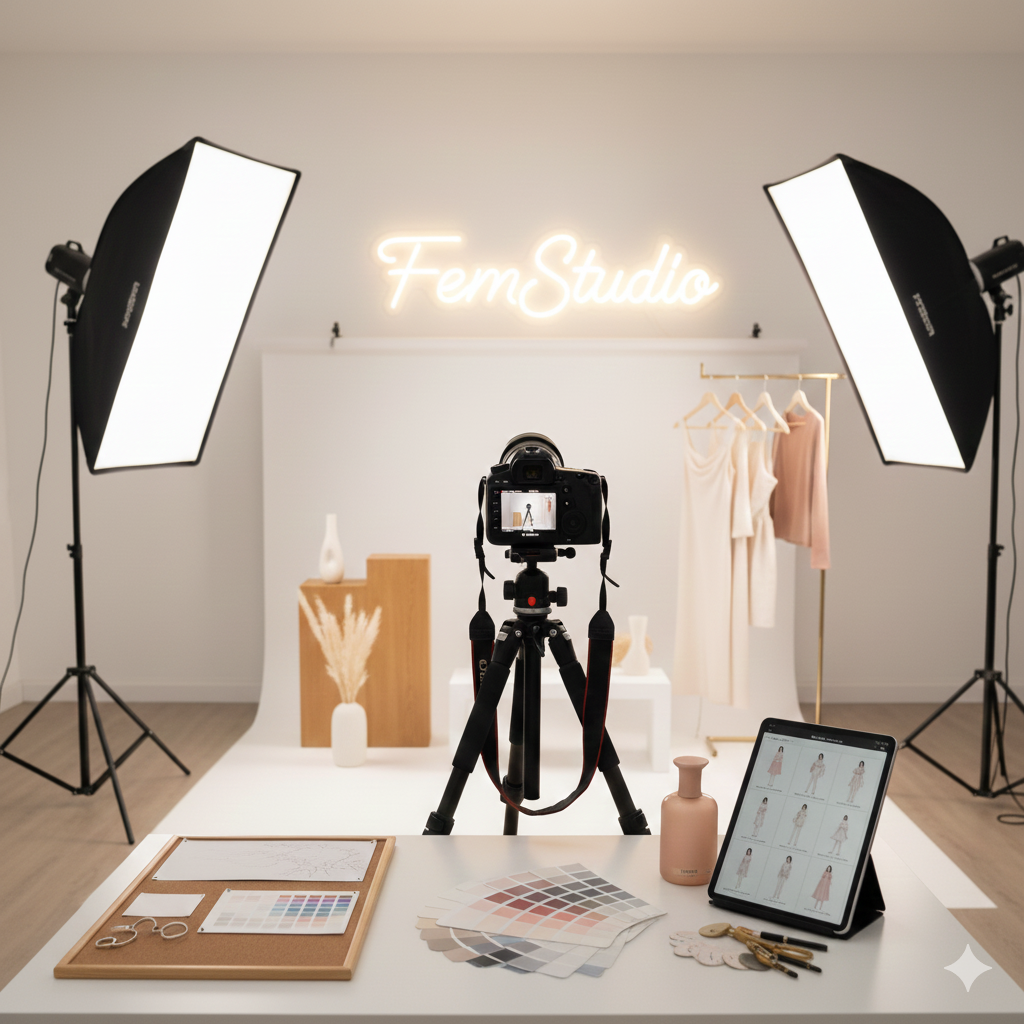
A professional photography studio with a high-end camera, softbox lights, and a clean white backdrop, prepared for a brand photo shoot.

How to Prepare for a Professional Photo Shoot

By Brand & Visuals, Guides

Professional Photo Shoot Preparation: A Step-by-Step Guide

A successful brand image starts long before the camera clicks. Proper professional photo shoot preparation ensures that you walk onto the set feeling confident, organized, and ready to capture visuals that truly represent your brand. At FemStudio, we believe that great photos are the heartbeat of a high-converting website.

Follow these steps to ensure your next session is a success.

1. Define Your Visual Goal

Before you pick out an outfit, you need a vision. Effective professional photo shoot preparation begins with a mood board. Are you going for “Corporate Authority,” “Creative Entrepreneur,” or “Approachable Expert”?

  • Tip: Share your mood board with your photographer at least a week in advance so they can plan the lighting and backdrops accordingly.

2. Plan Your Wardrobe Strategically

Your outfits should reflect your brand’s color palette and personality. For the best results:

  • Avoid busy patterns: They can be distracting and may “vibrate” on digital screens.

  • Prioritize fit: Clothes that are too loose or too tight will show up clearly in high-resolution photos.

  • Steam everything: Don’t rely on Photoshop to fix wrinkles!

A professional photography studio with a high-end camera, softbox lights, and a clean white backdrop, prepared for a brand photo shoot.

3. Focus on Grooming and Skin

The camera picks up fine details, so skin and hair care are vital parts of professional photo shoot preparation.

  • Hydrate: Drink plenty of water 48 hours before the shoot to keep your skin looking fresh.

  • Professional Makeup: If possible, hire a makeup artist who understands “camera-ready” makeup, which is often heavier than daily wear but looks natural on screen.

4. Practice Your Posing

Most people feel awkward in front of a camera. To help with your professional photo shoot preparation, spend ten minutes in front of a mirror.

  • Find your “good side.”

  • Practice a “soft smile” versus a “power look.”

  • Remember to keep your shoulders down and back to improve your posture instantly.

Final Thoughts: Let FemStudio Capture Your Vision

Thorough professional photo shoot preparation is the difference between an average headshot and a powerful brand asset. When you feel prepared, your confidence shines through the lens, creating a connection with your audience that words alone cannot achieve.

At FemStudio, we don’t just build websites; we help you curate the entire visual identity of your brand. From creative direction to the final edit, we ensure your imagery works in harmony with your business goals.

Ready to level up your brand’s visual identity? [Contact FemStudio to Plan Your Professional Shoot] — Let’s create the stunning visuals your brand deserves.

Close Menu

 Contact Us

Tel: (281) 818-3726
Email: [email protected]