All Posts By

femstudio

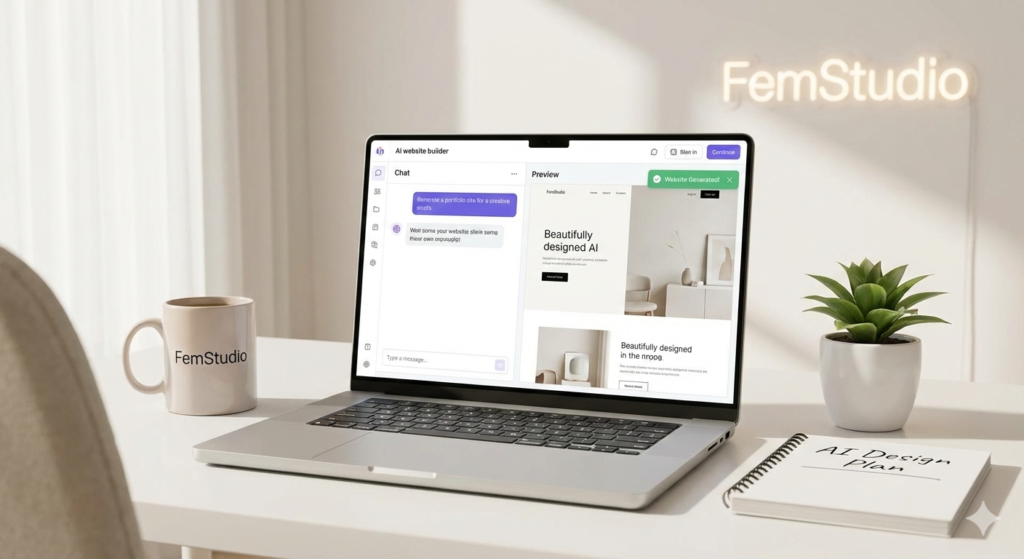
A laptop screen displaying an AI-powered website builder with glowing digital connections in a clean, professional studio setting.

Build a Website with AI: A Practical Guide to Launching for Free

By Brand & Visuals, Business Growth, Digital Strategy, Trend and Insight, Web Design

In 2026, you don’t need a massive budget to start your digital journey. Learning how to build a website with AI has become remarkably accessible, with powerful tools offering free tiers that allow you to design, write, and launch in a single afternoon.

At FemStudio, we believe in using technology to lower the barrier to entry for entrepreneurs. Here is your practical, free roadmap to building your site from scratch.

Step 1: Brainstorming & Structure (The Brains)

Before you touch a design tool, you need a plan. To build a website with AI effectively, start with a conversational assistant to map out your pages and features.

  • The Tool: ChatGPT or Claude.ai (Free Tiers).

  • What to do: Ask: “I am starting a [Business Type]. Can you give me a 5-page sitemap and a list of high-converting sections for my homepage?”

Step 2: Visual Generation & Layout (The Builder)

This is where the magic happens. You can now build a website with AI that actually looks professional without dragging a single box.

  • The Tool: Framer AI or ZipWP (Free Tiers).

  • What to do: * In Framer, type a descriptive prompt like: “A minimalist, high-end studio website for a photographer using beige and charcoal tones.” * ZipWP is excellent if you want a WordPress-based site; it will generate a full site with images and copy in under 60 seconds.

Step 3: High-End Visuals & Icons (The Aesthetic)

A high-converting website needs custom visuals. If you don’t have professional photos yet, use AI to create placeholders that match your brand.

  • The Tool: Leonardo.ai (150 free credits daily) or Canva Magic Media.

  • What to do: Generate high-resolution, aesthetic background images or icons that fit your color palette.

A laptop screen displaying an AI-powered website builder with glowing digital connections in a clean, professional studio setting.

Leveraging the future: How to build a high-performing website with AI tools.

Step 4: Persuasive Copywriting (The Voice)

To build a website with AI that actually sells, your words must be sharp.

  • The Tool: Copy.ai or ChatGPT.

  • What to do: Feed the AI your “About Me” details and ask it to: “Write a hero headline and three benefit-driven bullet points for my landing page using a professional yet approachable tone.”

The “Free” Checklist: What to Expect

When you build a website with AI for free, keep these three things in mind:

  1. Subdomains: Most free builders will give you a URL like yourbrand.framer.ai.

  2. Branding: Free tiers usually include a small “Built with…” badge at the bottom.

  3. Scaling: Once your traffic grows, you’ll eventually want to upgrade to a custom domain for better SEO.

Final Thoughts: From AI-Built to Brand-Ready

While anyone can build a website with AI, making that site look like a premium “Studio” brand requires a refined touch. AI gets you 80% of the way there, but the last 20%—the soul of the brand—is where the real conversion happens.

Is your AI-generated site looking a bit “cookie-cutter”? [Contact FemStudio for a Custom Brand Polish] — We take your AI foundation and add the professional design, custom SEO, and high-end aesthetics that turn a free site into a luxury brand experience.

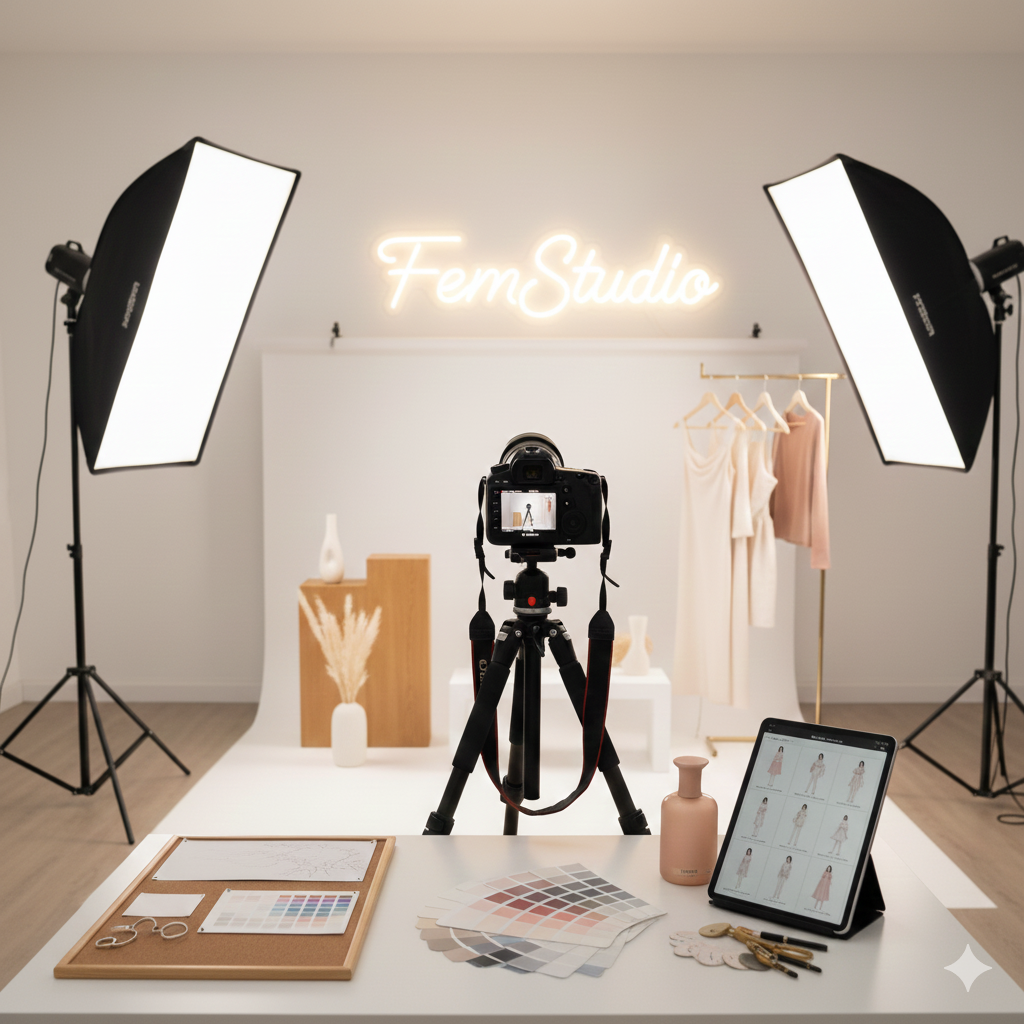
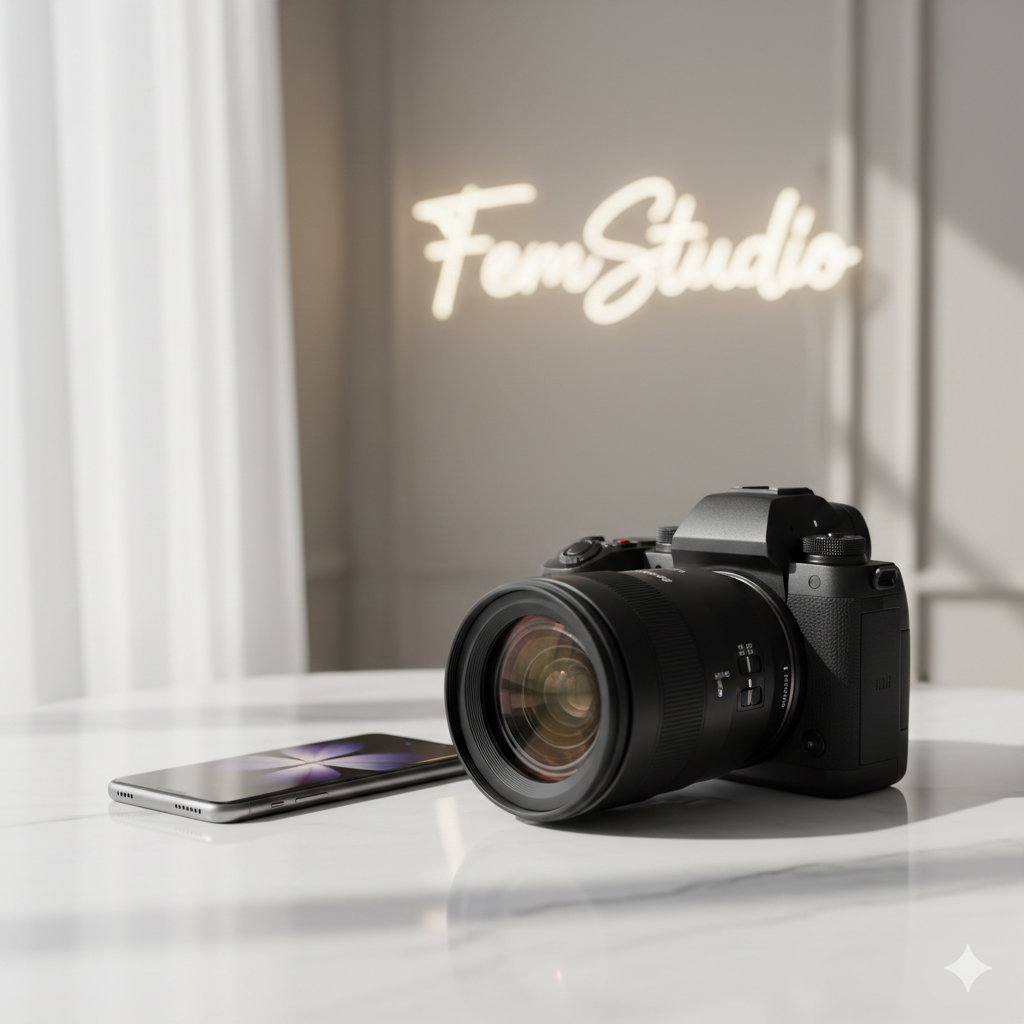
A professional photography studio with a high-end camera, softbox lights, and a clean white backdrop, prepared for a brand photo shoot.

How to Prepare for a Professional Photo Shoot

By Brand & Visuals, Guides

Professional Photo Shoot Preparation: A Step-by-Step Guide

A successful brand image starts long before the camera clicks. Proper professional photo shoot preparation ensures that you walk onto the set feeling confident, organized, and ready to capture visuals that truly represent your brand. At FemStudio, we believe that great photos are the heartbeat of a high-converting website.

Follow these steps to ensure your next session is a success.

1. Define Your Visual Goal

Before you pick out an outfit, you need a vision. Effective professional photo shoot preparation begins with a mood board. Are you going for “Corporate Authority,” “Creative Entrepreneur,” or “Approachable Expert”?

  • Tip: Share your mood board with your photographer at least a week in advance so they can plan the lighting and backdrops accordingly.

2. Plan Your Wardrobe Strategically

Your outfits should reflect your brand’s color palette and personality. For the best results:

  • Avoid busy patterns: They can be distracting and may “vibrate” on digital screens.

  • Prioritize fit: Clothes that are too loose or too tight will show up clearly in high-resolution photos.

  • Steam everything: Don’t rely on Photoshop to fix wrinkles!

A professional photography studio with a high-end camera, softbox lights, and a clean white backdrop, prepared for a brand photo shoot.

3. Focus on Grooming and Skin

The camera picks up fine details, so skin and hair care are vital parts of professional photo shoot preparation.

  • Hydrate: Drink plenty of water 48 hours before the shoot to keep your skin looking fresh.

  • Professional Makeup: If possible, hire a makeup artist who understands “camera-ready” makeup, which is often heavier than daily wear but looks natural on screen.

4. Practice Your Posing

Most people feel awkward in front of a camera. To help with your professional photo shoot preparation, spend ten minutes in front of a mirror.

  • Find your “good side.”

  • Practice a “soft smile” versus a “power look.”

  • Remember to keep your shoulders down and back to improve your posture instantly.

Final Thoughts: Let FemStudio Capture Your Vision

Thorough professional photo shoot preparation is the difference between an average headshot and a powerful brand asset. When you feel prepared, your confidence shines through the lens, creating a connection with your audience that words alone cannot achieve.

At FemStudio, we don’t just build websites; we help you curate the entire visual identity of your brand. From creative direction to the final edit, we ensure your imagery works in harmony with your business goals.

Ready to level up your brand’s visual identity? [Contact FemStudio to Plan Your Professional Shoot] — Let’s create the stunning visuals your brand deserves.

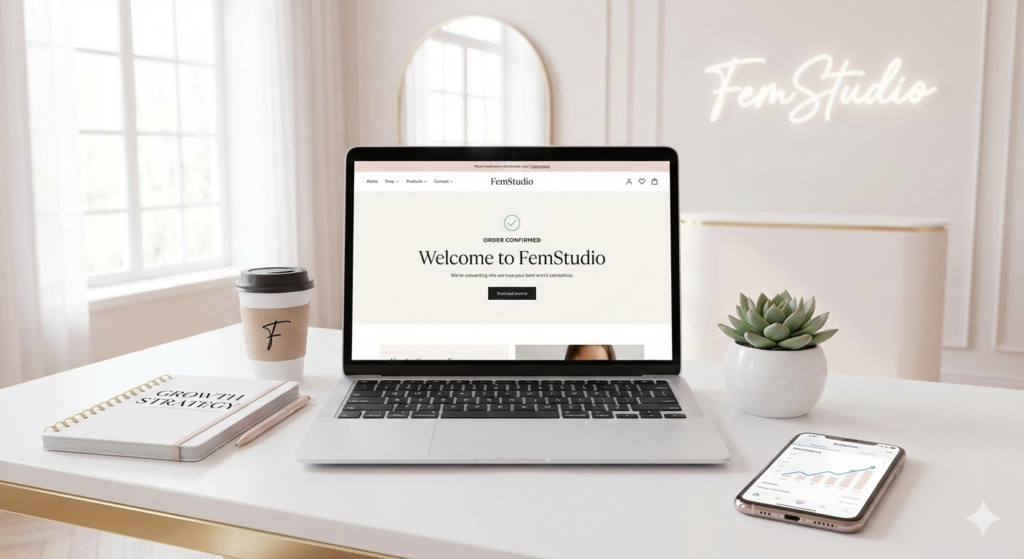
A modern, high-end workspace with a laptop displaying a sleek, high-converting website interface designed by FemStudio, featuring growth analytics and clear call-to-action buttons.

High-converting website: How to Turn Visitors into Customers

By Business Growth, Digital Strategy, Trend and Insight, Web Design

Building a high-converting website is the ultimate goal of any digital marketing strategy. It doesn’t matter how many people visit your site if they leave without taking action. In today’s competitive market, your website must do more than just look good—it must guide users toward a specific goal, whether that’s a purchase, a sign-up, or a phone call.

Here are the five essential pillars of a high-converting website in 2026.

1. Prioritize Mobile-First Design

More than 60% of web traffic now happens on mobile devices. A high-converting website must be fully responsive and lightning-fast on smartphones. If your mobile experience is clunky or slow, users will bounce before they even see your offer.

  • Tip: Use large buttons and ensure your forms are easy to fill out on a small screen.

2. Craft a Clear Value Proposition

The moment someone lands on your page, they should know exactly what you offer. A high-converting website uses a clear “Hero Section” to answer three questions in under five seconds:

  1. What do you do?

  2. How does it benefit the user?

  3. How do they get it?

3. Use Strategic Calls to Action (CTAs)

A high-converting website never leaves the user guessing. Your CTAs should be visually distinct (using high-contrast colors) and use action-oriented language. Instead of “Submit,” try “Get My Free Guide” or “Start My Trial.”

Pro Tip: Stick to one primary goal per page. Too many options lead to “decision paralysis” and lower conversion rates.

4. Build Trust with Social Proof

People buy from brands they trust. To create a high-converting website, you must include “trust signals” throughout the journey. This includes:

  • Customer testimonials and reviews.

  • Case studies or results.

  • Security badges and professional certifications.

5. Optimize for Speed and UX

User experience (UX) is the backbone of a high-converting website. A delay of just one second in page load time can lead to a 7% reduction in conversions. Ensure your site is optimized by compressing images, using a clean layout, and removing unnecessary pop-ups that frustrate users.

Summary Checklist for Success

Element Focus Area
Speed Load time under 2 seconds
Mobile Thumbs-friendly navigation
Copy Benefit-driven headlines
Trust Reviews and security icons
CTA One clear, bright button

Final Thoughts: Ready for a High-converting Website?

Building a high-converting website is an investment in your brand’s future. However, balancing technical speed, persuasive copywriting, and user psychology can be overwhelming when you’re busy running a business. You don’t have to do it alone.

At FemStudio, we specialize in transforming static websites into powerful sales engines. Whether you’re starting from scratch or looking to optimize your existing site, we help you bridge the gap between “just visiting” and “ready to buy.”

Ready to turn your traffic into revenue? [Contact FemStudio Today for a Free Conversion Audit]. Let’s look at your current site and identify the quick wins that will boost your bottom line.

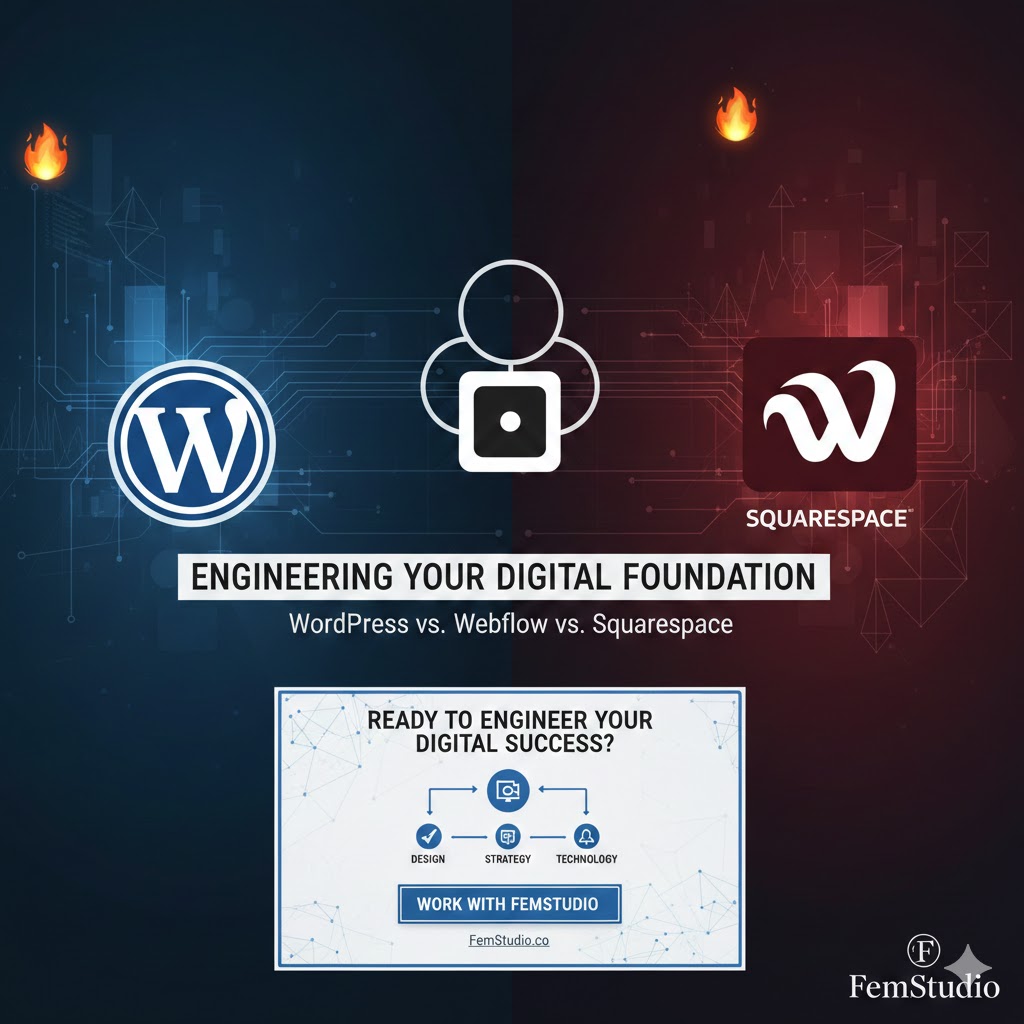
A professional comparison graphic for WordPress, Webflow, and Squarespace with a tech-focused background, featuring the FemStudio logo and the heading

WordPress vs. Webflow vs. Squarespace: Which Is Better for Your Business?

By Business Growth, Digital Strategy, Web Design

When building a business, your website is more than just a digital business card—it is the infrastructure of your online presence. As an engineer, I view a Content Management System (CMS) as the engine of a machine. If the engine doesn’t match the intended output, the entire system fails to scale.

Choosing between WordPress, Webflow, and Squarespace isn’t about which one is “coolest.” It’s about which one provides the right balance of flexibility, maintenance, and performance for your specific business goals.

1. WordPress: The Open-Source Workhorse

WordPress powers over 40% of the internet for a reason: it is an open-source system with infinite scalability. For businesses that need a “custom-built” feel with a massive ecosystem of tools, WordPress is the standard.

  • The Systems View: Think of WordPress as a modular factory. You can add any machine (plugin) you want, but you are responsible for the maintenance, security, and updates of those machines.

  • Best For: E-commerce (WooCommerce), complex blogs, and businesses that want 100% ownership of their data.

  • Key Advantage: With builders like Elementor, you get a visual interface without sacrificing the deep customization that developers need.

2. Squarespace: The All-In-One Ecosystem

If WordPress is a modular factory, Squarespace is a high-end, pre-furnished office. It is a “closed system,” meaning the platform handles the hosting, security, and updates for you.

  • The Systems View: It is designed for efficiency. There are fewer “moving parts” to break, which is ideal for business owners who want a professional look without managing technical debt.

  • Best For: Service-based businesses, creative portfolios, and startups that need to launch quickly.

  • Key Advantage: A “hands-off” maintenance approach. You focus on content; the system handles the rest.

3. Webflow: The Precision Instrument

Webflow is the newcomer that has changed the game for designers and engineers alike. It allows for “Visual Coding,” giving you the precision of custom HTML/CSS with the speed of a drag-and-drop builder.

  • The Systems View: This is the high-performance choice. Webflow produces much cleaner code than WordPress or Squarespace, leading to faster load times and better “technical SEO.”

  • Best For: Brands that want a unique, “award-winning” design and high-speed performance without the bloat of traditional builders.

  • Key Advantage: Unmatched design freedom and hosting that is built on an enterprise-grade stack.

The Decision Matrix: At a Glance

Feature WordPress Squarespace Webflow
Ideal User Scalable Businesses Beginners/Creatives Tech-Forward Brands
Customization Unlimited High (within limits) Absolute Precision
Maintenance High (User-managed) Low (Platform-managed) Low (Platform-managed)
SEO Strength Excellent (with Yoast/RankMath) Good (Built-in) Superior (Clean Code)

The FemStudio Verdict

At FemStudio, we don’t believe in a one-size-fits-all solution. Your choice should depend on your “Operational Requirements”:

  1. Do you need complex functionality and total data control? Go with WordPress.

  2. Do you need a beautiful site with zero technical maintenance? Go with Squarespace.

  3. Do you need a high-speed, custom-designed masterpiece? Go with Webflow.

Building a website is an investment in your business’s future growth. By choosing the right foundation today, you ensure your digital system can handle the traffic and demands of tomorrow.

CMS market share statistics for 2025

Contact us

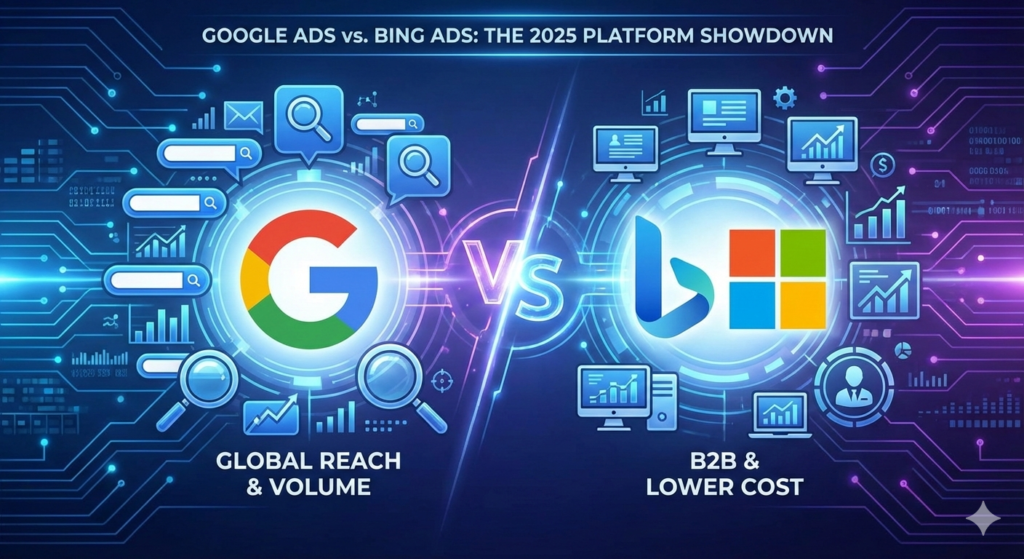
A futuristic digital comparison graphic titled 'Google Ads vs. Bing Ads: The 2025 Platform Showdown'. The left side features the Google logo with text 'Global Reach & Volume', while the right side shows the Bing and Microsoft logos with text 'B2B & Lower Cost', separated by a glowing 'VS' symbol.

Google Ads vs. Bing Ads: Which Platform Offers the Best ROI in 2025?

By Business Growth, Digital Strategy, Trend and Insight

Deciding between Google Ads vs Bing Ads is often the difference between a high-growth year and a wasted marketing budget. While Google is the household name, Microsoft Advertising (formerly Bing Ads) has become a high-performance alternative for brands looking for better ROI. In 2025, the debate isn’t about which is “better”—it’s about how to use both to dominate your niche.

1. Reach and Market Share: Volume vs. Precision

The biggest differentiator is the size of the audience.

  • Google Ads: The undisputed king. Google holds roughly 90% of the global search market, processing over 8.5 billion searches daily. It includes Google Search, YouTube, Gmail, and the Google Display Network. If you need massive volume, Google is your first stop.
  • Microsoft (Bing) Ads: While its global share is smaller (around 8–12%), Bing is a powerhouse in the U.S. desktop market, where it captures nearly 30% of searches. Your ads also appear on Yahoo, AOL, DuckDuckGo, and even the Netflix ad-supported tier.

2. Cost and Competition: The Budget Factor

If you are working with a tighter budget or in a highly competitive industry (like Legal or Insurance), Bing often provides more “bang for your buck.”

  • Average CPC: Microsoft Advertising CPCs are typically 30–50% lower than Google Ads.
  • Competition: Because most brands flock to Google first, the auction environment on Bing is less crowded. This often leads to higher ad positions for a fraction of the price.

3. Audience Demographics: Who Are You Targeting?

The “who” is just as important as the “how many.”

  • Google’s Audience: Diverse, mobile-heavy, and spans every age group. It is the go-to for e-commerce, apps, and local “near me” searches.
  • Bing’s Audience: Generally older (35+), more affluent, and more educated. Because Bing is the default on Windows office computers, its users are often desktop-based professionals. This makes it a goldmine for B2B brands and high-ticket services.

4. Unique Targeting Features

Both platforms offer standard geographic and demographic targeting, but they have unique “secret weapons”:

  • Google’s Strength: Advanced AI-powered bidding and “Performance Max” campaigns that use Google’s massive data ecosystem to find customers across every channel automatically.
  • Bing’s Strength: LinkedIn Profile Targeting. Because Microsoft owns LinkedIn, you can target users by their specific company, job function, or industry. For a B2B marketer, this level of precision is unmatched by Google.

Comparison at a Glance (2025 Data)

Feature Google Ads Microsoft (Bing) Ads
Market Share ~90% (Global) ~10% (Global) / ~30% (US Desktop)
Avg. Cost-Per-Click Higher ($2.00 – $5.00+) Lower ($1.00 – $2.00)
Primary Device Mobile & Desktop Desktop (Workplace focus)
Best For Massive scale, B2C, Apps B2B, Older/Wealthy demographics
Special Feature YouTube & Local Search LinkedIn Profile Targeting

Which Should You Choose?

Choose Google Ads if:
* You need to scale quickly and reach the widest possible audience.
* Your product is visual (YouTube/Display) or mobile-first.
* You have the budget to compete in a high-stakes auction.
Choose Microsoft Ads if:
* You are in the B2B space and want to target decision-makers.
* You want a lower Cost-Per-Acquisition (CPA) and higher ROI.
* You want to “own” the desktop space while your competitors fight over mobile.

The Pro Strategy: Use Both

Most successful brands start with Google to capture volume and then import their campaigns directly into Microsoft Advertising. This allows you to capture the “other 10%” of the market—often the most affluent 10%—without extra setup time.


Contact us for more information 

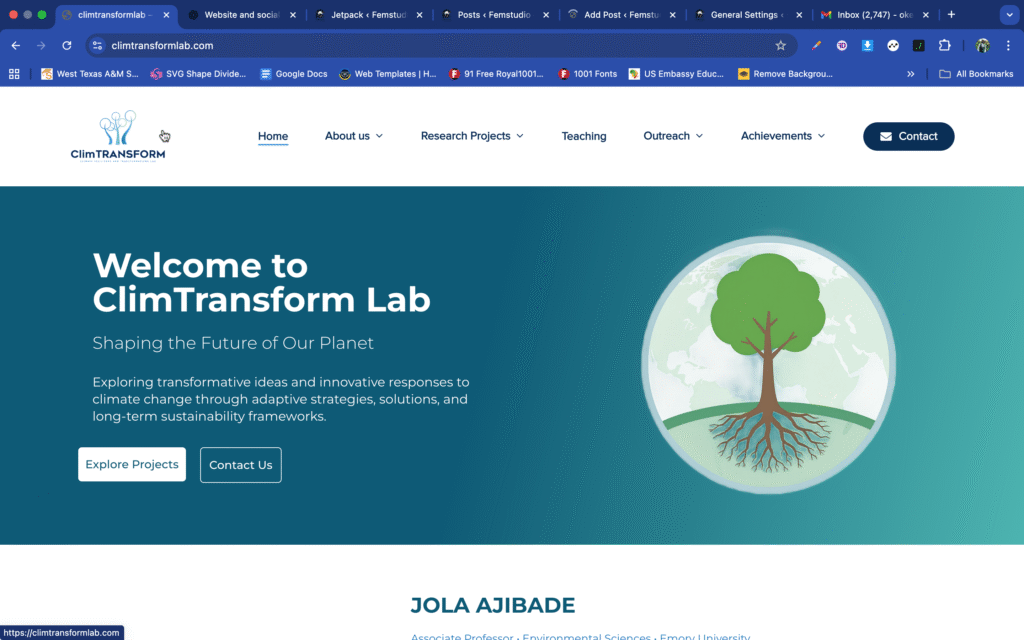
Project Update: Climtransformlab

By Uncategorized

nability, and societal transformation. My research focuses on how individuals, communities, and cities respond to global environmental change, and their different capacities for adaptation, resilience, transformation, and long-term sustainability. Specifically, I explore the impacts of uncritical climate solutions, resilience planning, and sustainability practices on marginalized communities.

This includes examining spatial disaster risk reduction strategies, managed retreat programs, water revitalization initiatives, just transitions, green infrastructure, and transformative adaptation planning. I frequently work, advise, help, and stay aware of Black, Indigenous, Latinx, and/or low-income communities on climate justice issues including gentrification, displacement, a

Black male IT professional analyzing data on computer and laptop in a modern workspace

Leveraging IT to Achieve Extraordinary Business Results and Digital Solutions

By Business Growth, Digital Strategy

In today’s digital-first world, businesses that harness the power of IT solutions for business growth are leading the charge in innovation, scalability, and competitive advantage. From automation and cloud computing to advanced analytics and cybersecurity, IT isn’t just a support function—it’s a strategic driver of business success.

At FemStudio, we specialize in delivering IT solutions for business growth that empower companies to achieve measurable results. By combining deep expertise in web design, SEO, content writing, and photography, our passionate team helps clients create powerful online experiences that drive engagement and sustainable growth. With a customer-first approach, we provide tailored strategies that align with modern business goals.

1. The Strategic Role of IT in Business Growth

IT isn’t just about fixing tech issues. It’s about aligning technology with business goals—whether that’s improving customer service, increasing efficiency, or unlocking new revenue streams.

✅ Dallas Tip: Local businesses can tap into IT to scale faster, adapt to market trends, and stay competitive in a tech-savvy city.

Hand reaching toward a glowing lightbulb with brain and circuit patterns, symbolizing innovation and digital technology

A glowing blue brain-lightbulb icon floats above a hand, representing innovative digital ideas, tech-driven creativity, and smart business solutions

2. Cloud-Based Solutions That Scale With You

Cloud computing enables agility and scalability, allowing businesses to expand without hefty infrastructure costs.

🔹 Examples: Google Workspace, Microsoft Azure, AWS
🔹 Benefits: Cost-effective, remote access, easy integration

3. Automation for Operational Efficiency

IT-driven automation tools can take over repetitive tasks, reduce errors, and improve speed—freeing up your team for high-value work.

💡 Think: CRM automation, email workflows, invoicing systems.

4. Data-Driven Decision Making

Data is the new oil. With analytics tools and dashboards, IT helps businesses gain actionable insights that drive smarter decisions.

📊 Tools: Power BI, Google Analytics, Tableau

5. Cybersecurity & Risk Management

As digital threats rise, investing in strong IT security is non-negotiable. A robust cybersecurity framework protects your assets, reputation, and customer trust.

🔐 Use secure payment gateways, multi-factor authentication, and regular backups.

6. Custom IT Solutions for Dallas-Based Businesses

Local challenges require tailored solutions. Partnering with IT firms or consultants that understand the Dallas market can help you deploy custom software, localize strategies, and achieve measurable ROI.

Conclusion

To thrive in 2025 and beyond, businesses must go beyond simply adopting new technology—they must leverage it strategically. At FemStudio, we help brands stand out in an increasingly competitive digital landscape through customized IT and digital solutions that align with proven approaches and real-world needs.

If your business is ready to unlock extraordinary results, partner with a team that’s passionate about making a digital impact.

🚀 Ready to leverage IT for real business growth?
Contact FemStudio today to discover how we can elevate your digital presence and drive results.


Man working on a laptop while sitting on a cloud, with a yellow lightbulb, domino wooden planks, paper planes, and doodles symbolizing ideas and problem-solving.

How Custom Web Design Can Transform Dallas Businesses in 2025

By Business Growth, SEO Strategies, Web Design

In today’s competitive Dallas market, having a website that stands out isn’t just a nice-to-have—it’s essential. For local businesses looking to grow, custom web design goes beyond generic templates to deliver a unique and engaging digital experience. At FemStudio, we’ve seen firsthand how tailored design can turn an average website into a powerful business tool.

1. The Power of Custom Web Design in Dallas

Many Dallas businesses still rely on cookie-cutter templates that don’t reflect their brand’s uniqueness. A custom web design takes your business goals, target audience, and local market trends into account, ensuring that your site isn’t just another page online—it’s a digital reflection of your brand.

Imagine a boutique in Deep Ellum or a local service provider in Uptown Dallas having a website that captures their story and speaks directly to their customers. That’s what custom design brings to the table.

2. Boosting SEO with Tailored Design

Custom web design isn’t just about looks—it’s about performance. A professionally designed site can be optimized for local SEO in Dallas, helping businesses rank higher for key terms like “Web Design Dallas,” “Dallas SEO Company,” or “Responsive Web Design Dallas.”

When your website architecture is designed with SEO in mind—think fast load times, mobile-first layouts, and strategic keyword placement—you’re set to attract more local traffic and convert visitors into loyal customers.


A conceptual image showing business professionals in formal attire walking on an endless loop of concrete paths, symbolizing the repetitive and continuous nature of modern corporate work, with street lamps and benches lining the loop.

A surreal depiction of businesspeople navigating an infinite loop, symbolizing the ongoing cycles of modern professional life.

3. Personalized User Experiences Matter

Dallas consumers expect websites to cater to their specific needs. Whether it’s showcasing your unique services, offering easy navigation, or integrating localized content, custom design ensures your users feel valued. This leads to higher engagement, longer time spent on site, and better conversion rates.

For example, a Dallas-based real estate firm with a custom, interactive map of local neighborhoods creates a far more compelling experience than a generic listings page.

4. Adaptability for the Future

Web technologies are evolving fast. With custom web design, Dallas businesses can future-proof their digital presence by integrating the latest features like voice search optimization, AI-driven personalization, and eco-conscious design elements.

This adaptability ensures your website remains relevant and competitive in the dynamic Dallas market.

Conclusion

In 2025, Dallas businesses can’t afford to blend in. A custom web design is more than a website—it’s a strategic investment in your brand’s future. At FemStudio, we’re committed to helping local businesses thrive with tailored solutions that deliver results.

📞 Ready to elevate your online presence? Contact FemStudio today and discover how custom web design can transform your Dallas business!

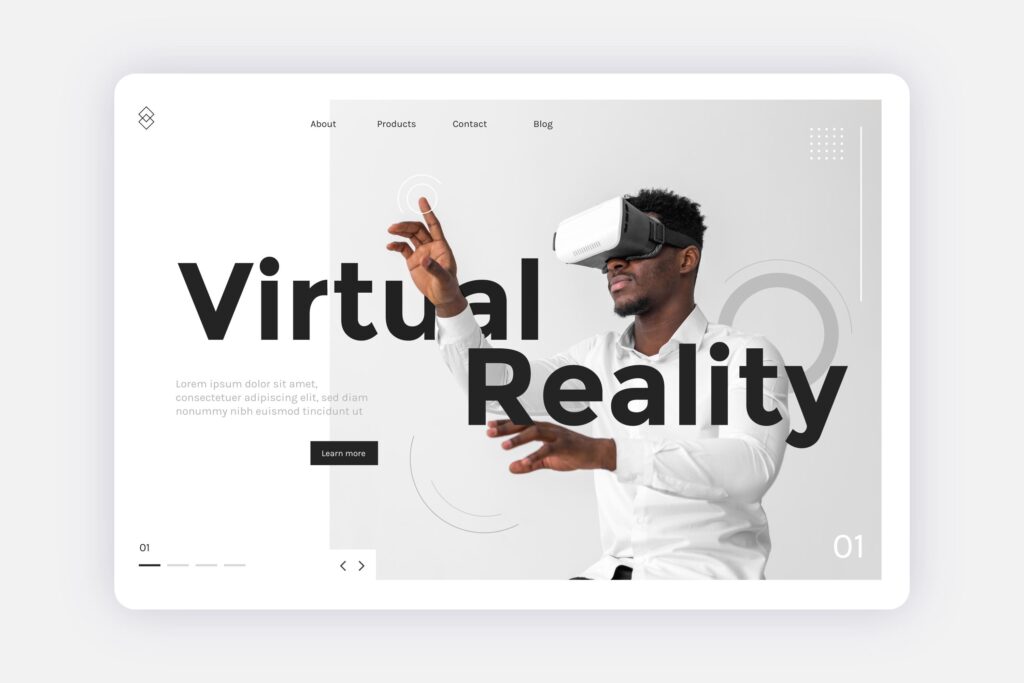
Black man wearing a VR headset interacting with a virtual reality interface on a modern website layout

Web Design Trends Dallas Businesses Should Watch in 2025

By Trend and Insight, Uncategorized, User Experience (UX), Web Design

As 2025 unfolds, web design is no longer just about visual appeal—it’s about speed, usability, and how well your site aligns with today’s digital behaviors. For Dallas businesses, staying on top of emerging trends is critical in a fast-moving, innovation-driven city. In this post, we’ll explore the top web design trends for 2025 and how Dallas-based brands can use them to boost visibility, improve user experience, and grow online.

1. Hyper-Personalized User Experiences

Modern consumers expect websites to feel custom-made. Using AI tools and behavioral analytics, websites can now:

Deliver tailored product or service recommendations

Display personalized content based on browsing history

Adjust layout based on user behavior

👉 For Dallas e-commerce stores or service-based businesses, this translates to higher engagement, stronger trust, and more conversions.

2. Voice Search Optimization & Conversational Interfaces

With voice assistants like Siri, Alexa, and Google Assistant now part of everyday life, voice search is on the rise. Your website must:

Use natural, conversational language in its content

Target long-tail keywords and questions

Feature smart chatbots and conversational UIs

🗣️ This trend can greatly improve customer support and SEO performance, especially for busy Dallas users seeking fast answers.

3. Mobile-First and Thumb-Friendly Design

With over 60% of web traffic coming from smartphones, mobile-first design isn’t optional—it’s essential. Dallas users are often on the go, so your site must:

Load quickly on all devices

Be easy to navigate with one hand

Use larger touch targets (buttons, links)

Present shorter, scannable content blocks

📱 Prioritizing mobile UX can reduce bounce rates and increase engagement.

4. Eco-Friendly and Sustainable Web Design

Today’s users—especially Millennials and Gen Z—care about sustainability. A fast, lightweight site that uses minimal server resources is not only better for performance but also better for the environment.

Tips for eco-conscious design:

Minimize use of heavy scripts and large media files

Use clean, minimalist layouts

Highlight your brand’s sustainability practices

🌱 Dallas businesses that align with these values can build deeper trust with socially conscious audiences.

5. Interactive and Immersive Experiences

Modern web design is becoming more interactive and engaging. Instead of passive browsing, users now expect:

Scroll-triggered animations

Hover effects and micro-interactions

Clickable product demos or tutorials

Immersive visual storytelling

🎮 For brands in Dallas’s creative, tech, or competitive markets, adding these elements can create more memorable user journeys.

6. Dark Mode and Inclusive Accessibility

Accessibility is a must in 2025—not just for compliance, but because users expect it. Offering:

Dark mode toggle

Scalable fonts

Keyboard navigation

Screen reader support

…makes your site usable for everyone.

🌐 Accessibility improves SEO, increases reach, and shows that your Dallas business values inclusivity.

7. Localized Design and Dallas-Centric Content

People connect with brands that feel familiar. Using local imagery, regional references, and community-focused messaging helps you:

Build stronger brand loyalty

Improve local SEO rankings

Stand out in the Dallas market

🏙️ Consider showcasing Dallas landmarks, featuring testimonials from local clients, or even adding a “Proudly Serving Dallas” statement.

Final Thoughts

Web design in 2025 is about creating smarter, faster, and more human-centered websites. For businesses in Dallas, staying ahead of these trends is not just about keeping up—it’s about standing out.

🚀 Ready to refresh your website?

📞 Contact FemStudio today and let’s build a website that grows with your business.

A blog header image showing why responsive web design matters for Dallas businesses

Why Responsive Web Design Is a Must for Dallas Businesses

By Uncategorized

Today, having a website isn’t enough — your site needs to work everywhere. At FemStudio, we’ve helped many Dallas-based businesses improve their websites by focusing on one crucial thing: responsive web design.

Think about it: most of your customers are browsing on their phones. If your website doesn’t look good or function well on mobile, you’re likely losing visitors — and sales.

What Is Responsive Web Design?

Responsive web design means your website adjusts automatically to fit different screen sizes — smartphones, tablets, laptops, and desktops. It offers a seamless experience no matter how someone finds your site.

For example, one of our clients, Ruth — an event planner in Dallas — came to us with a site that looked great on desktop but completely broke on mobile. She was losing potential customers who clicked from Instagram but couldn’t even read her service list. Once we redesigned it responsively, her engagement and bookings improved significantly.

Why Dallas Businesses Need a Responsive Website

1. Mobile Traffic Is King in Dallas
People in Dallas are always on the go — from Uptown cafes to downtown co-working spaces. That means your website must deliver a great mobile experience. A responsive design makes sure your message gets across clearly, no matter where or how people are browsing.

2. Better SEO Performance
Google ranks mobile-friendly websites higher. Responsive web design improves your SEO, increases page speed, reduces bounce rates, and helps your business show up in “near me” searches — like web design Dallas or Dallas photographers.

Want to rank higher? Start with a site that performs well on all devices.

Flat-style illustration showing a responsive website layout across desktop, tablet, and mobile devices for businesses in Dallas.

Illustration showing how responsive web design adapts across all devices—a must for Dallas businesses.

3. Increased Conversions and Leads
Let’s be real — a clunky mobile site turns people away. A smooth, responsive design keeps users on your page longer, guides them to take action, and helps you convert more visitors into leads and customers.

4. It Saves You Money Over Time
Responsive web design is efficient. Instead of creating separate mobile and desktop versions, you have one website that works everywhere. Fewer headaches, lower maintenance costs, and better return on investment.

How FemStudio Helps Dallas Businesses Shine Online

At FemStudio, we specialize in building responsive websites that not only look amazing but also work flawlessly across all devices. From web design and SEO services to stunning photography, our digital solutions help Dallas businesses grow online.

Whether you’re a startup, a solo creator, or a growing brand, our team tailors each site to your goals — so your website becomes a real business tool, not just a digital placeholder.

Final Thoughts

If you’re a Dallas business owner, investing in responsive web design is no longer optional — it’s essential. Your customers are online, on mobile, and expect a great experience. Let’s make sure your website delivers it.

Ready to upgrade? Contact FemStudio today and let’s build a site that grows with your business.s