In 2026, you don’t need a massive budget to start your digital journey. Learning how to build a website with AI has become remarkably accessible, with powerful tools offering free tiers that allow you to design, write, and launch in a single afternoon.
At FemStudio, we believe in using technology to lower the barrier to entry for entrepreneurs. Here is your practical, free roadmap to building your site from scratch.
Step 1: Brainstorming & Structure (The Brains)
Before you touch a design tool, you need a plan. To build a website with AI effectively, start with a conversational assistant to map out your pages and features.
-
The Tool: ChatGPT or Claude.ai (Free Tiers).
-
What to do: Ask: “I am starting a [Business Type]. Can you give me a 5-page sitemap and a list of high-converting sections for my homepage?”
Step 2: Visual Generation & Layout (The Builder)
This is where the magic happens. You can now build a website with AI that actually looks professional without dragging a single box.
-
The Tool: Framer AI or ZipWP (Free Tiers).
-
What to do: * In Framer, type a descriptive prompt like: “A minimalist, high-end studio website for a photographer using beige and charcoal tones.” * ZipWP is excellent if you want a WordPress-based site; it will generate a full site with images and copy in under 60 seconds.
Step 3: High-End Visuals & Icons (The Aesthetic)
A high-converting website needs custom visuals. If you don’t have professional photos yet, use AI to create placeholders that match your brand.
-
The Tool: Leonardo.ai (150 free credits daily) or Canva Magic Media.
-
What to do: Generate high-resolution, aesthetic background images or icons that fit your color palette.
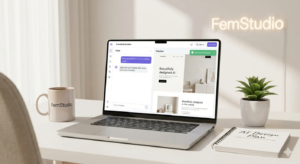
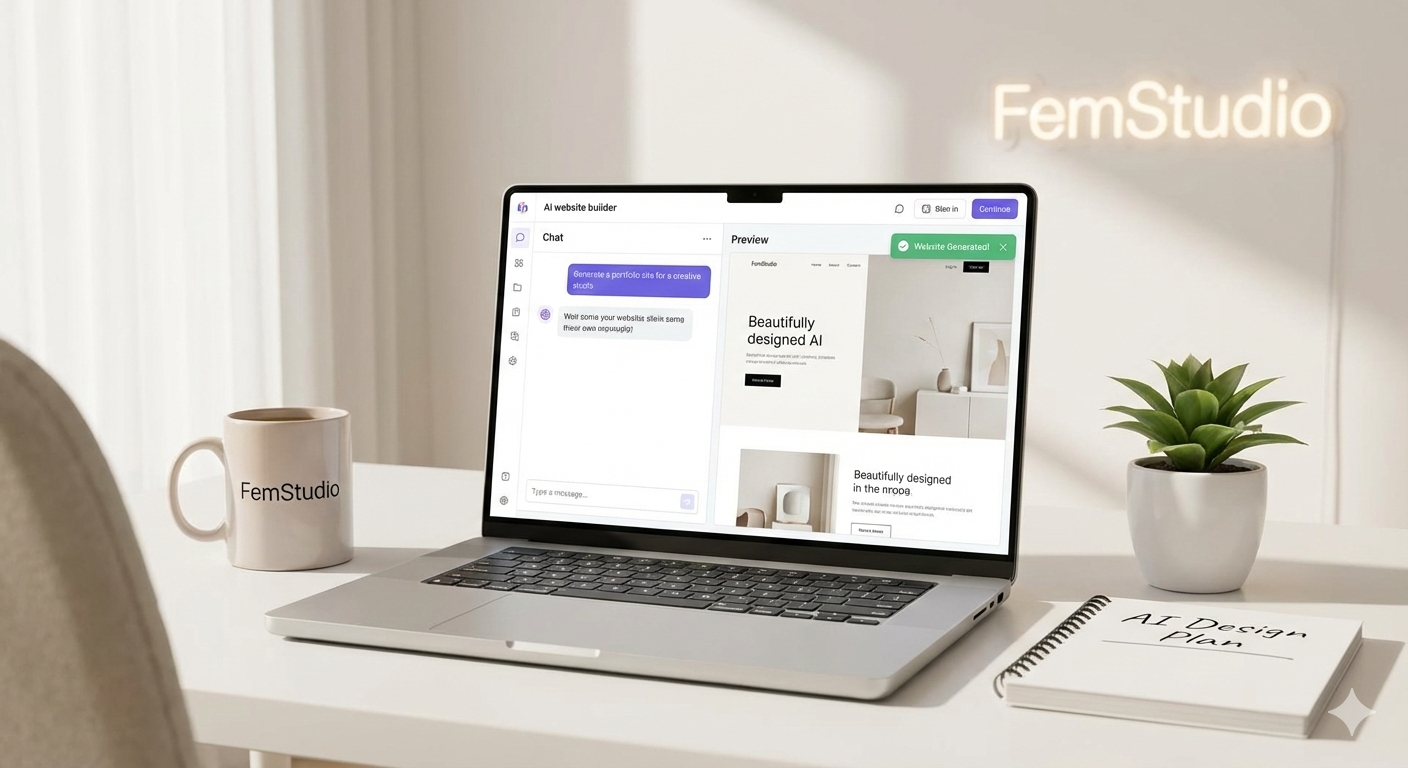
Leveraging the future: How to build a high-performing website with AI tools.
Step 4: Persuasive Copywriting (The Voice)
To build a website with AI that actually sells, your words must be sharp.
-
The Tool: Copy.ai or ChatGPT.
-
What to do: Feed the AI your “About Me” details and ask it to: “Write a hero headline and three benefit-driven bullet points for my landing page using a professional yet approachable tone.”
The “Free” Checklist: What to Expect
When you build a website with AI for free, keep these three things in mind:
-
Subdomains: Most free builders will give you a URL like
yourbrand.framer.ai. -
Branding: Free tiers usually include a small “Built with…” badge at the bottom.
-
Scaling: Once your traffic grows, you’ll eventually want to upgrade to a custom domain for better SEO.
Final Thoughts: From AI-Built to Brand-Ready
While anyone can build a website with AI, making that site look like a premium “Studio” brand requires a refined touch. AI gets you 80% of the way there, but the last 20%—the soul of the brand—is where the real conversion happens.
Is your AI-generated site looking a bit “cookie-cutter”? [Contact FemStudio for a Custom Brand Polish] — We take your AI foundation and add the professional design, custom SEO, and high-end aesthetics that turn a free site into a luxury brand experience.